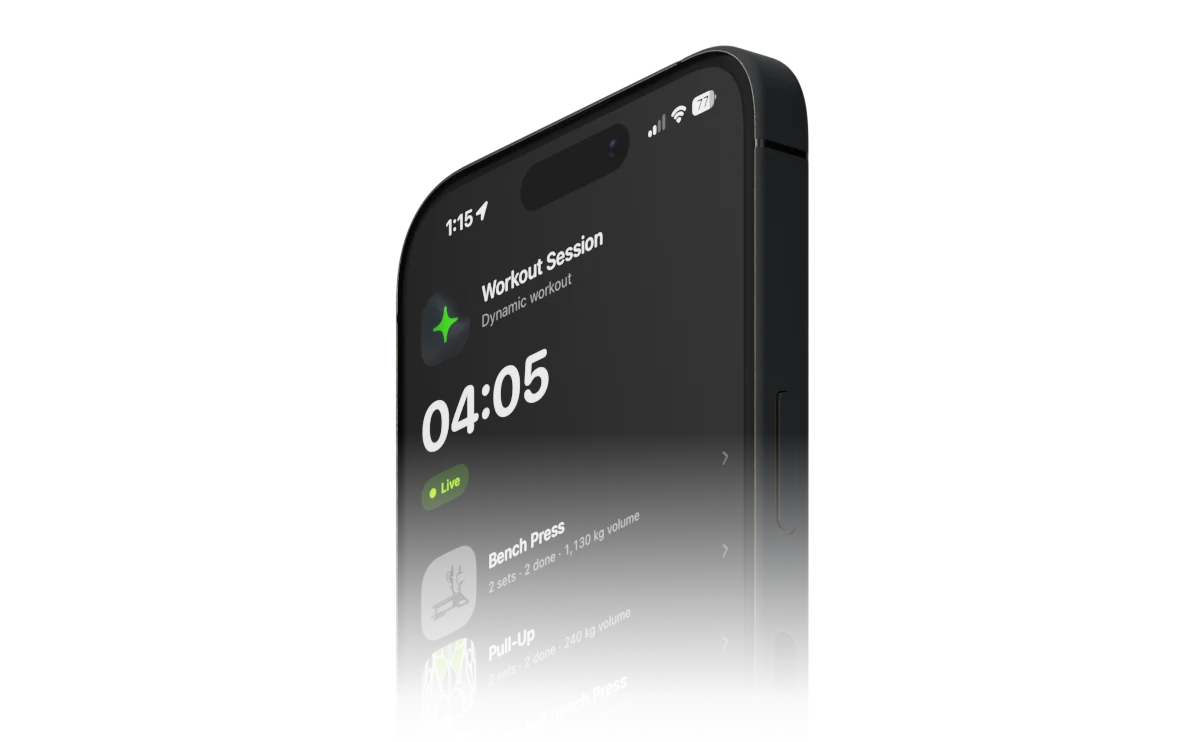
Myo records training from the whole session down to individual reps, then turns that history into statistics you control
FIG_01
01
Build your exercise library
Use the included catalog or define your own exercises and variations with muscles, equipment, position, angle, grip, laterality, and more
02
Estimate strength your way
Compare Epley, Brzycki, and Lombardi one-rep-max estimates, then predict a target weight or repetition count
FIG_02
03
Record the whole session
Log exercises, weight, warmups, notes, RIR, tempo, advanced set styles, and even differences between individual repetitions
FIG_03
04
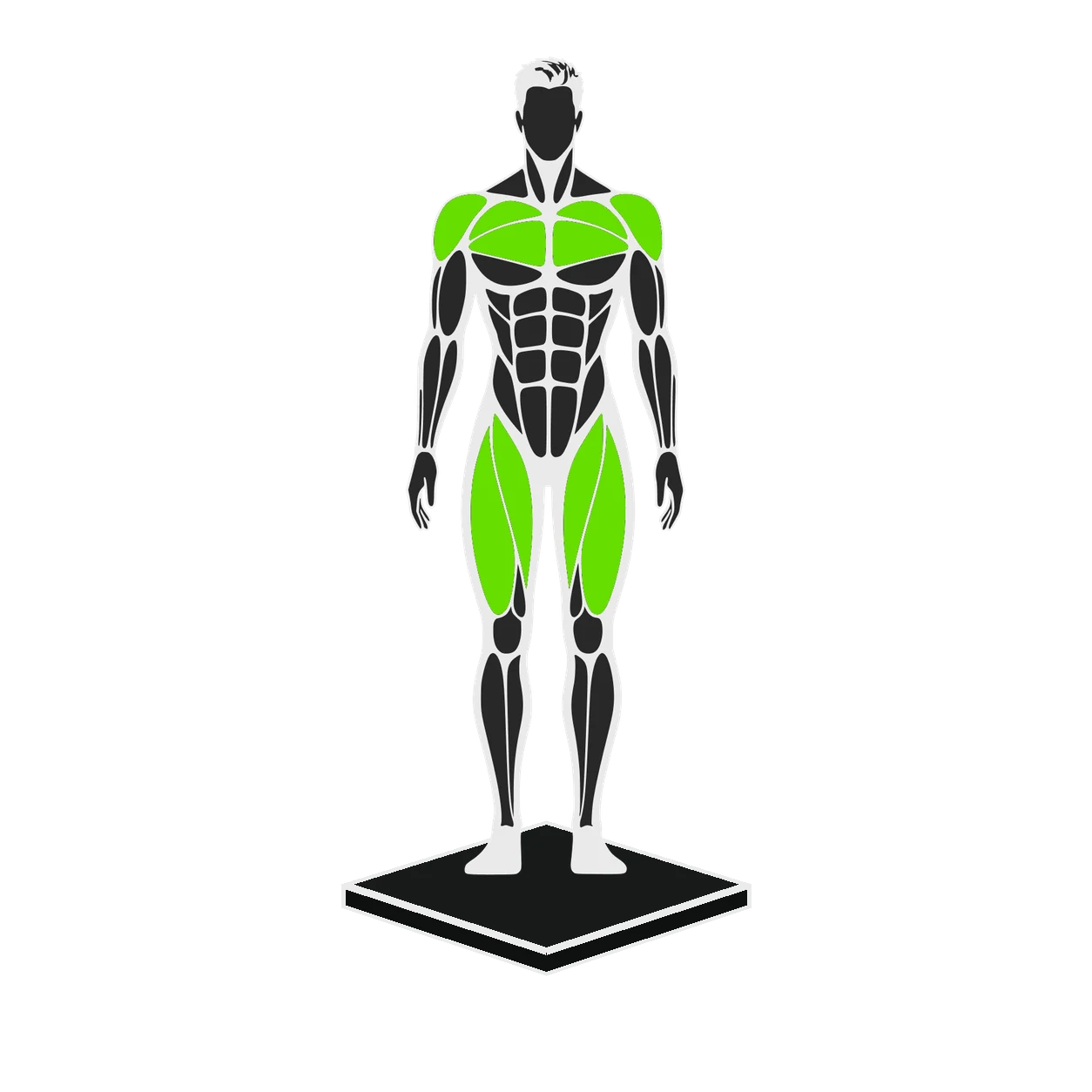
See progress on your terms
Explore consistency, intensity, volume, muscle balance, records, and exercise history, with controls such as how bodyweight contributes to each movement
FIG_04
05
Follow your training history
Move through training days, completed sessions, body measurements, and monthly statistics in one calendar view
FIG_05
06
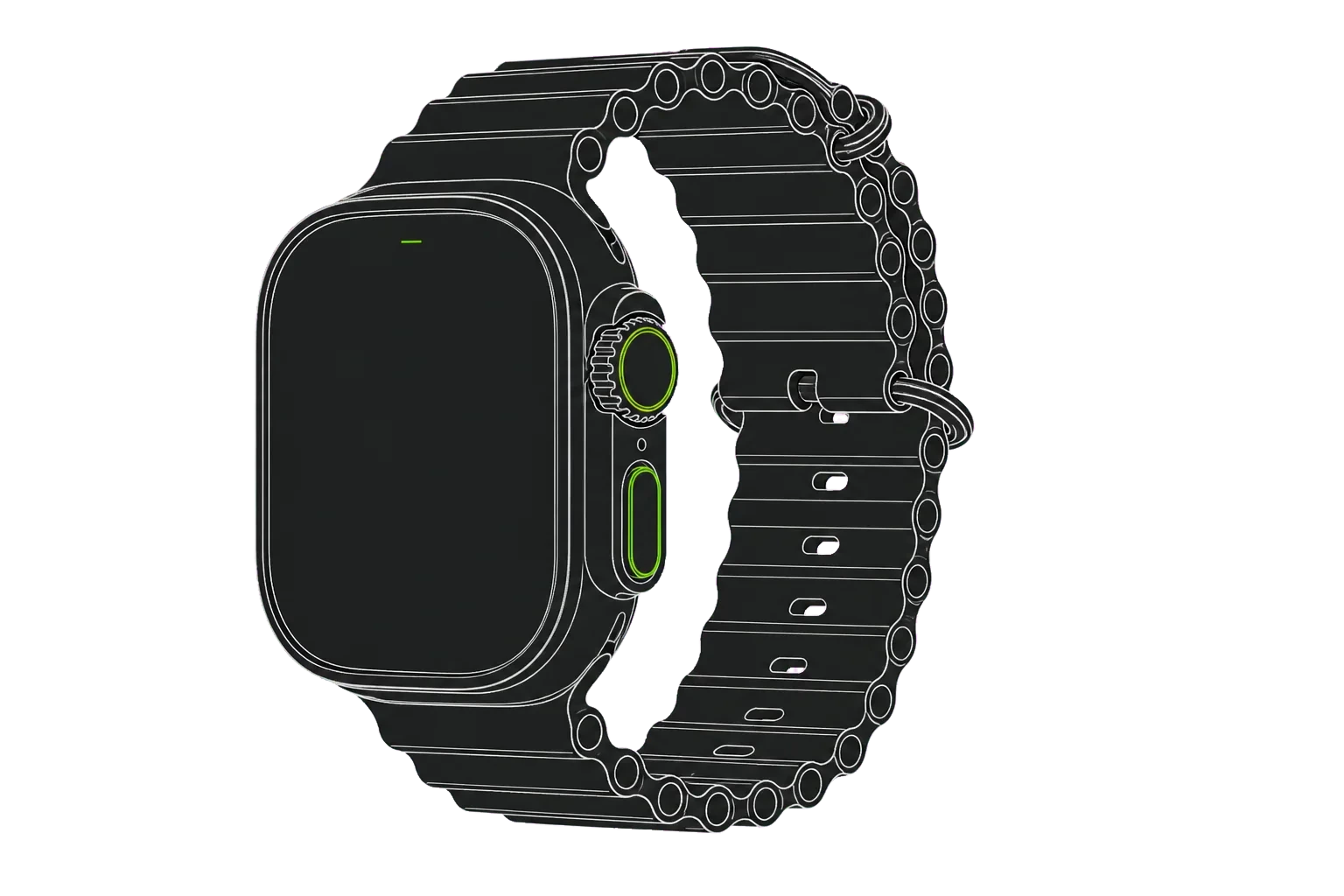
Extend the session to your wrist
Use the Apple Watch companion alongside Myo on iPhone to move through exercises and sets, record progress, and capture heart rate during a workout
Honorable dependencies
Made better with PointFree
These libraries support Myo’s state management, local workout storage, and visual regression testing
A few details about the beta and where Myo is heading
When will Myo be available?
We plan to open the public beta later this year. Subscribe to beta updates and we will email you when it opens.
Where is my training data stored?
The initial release stores your workout data locally on your device. It is not uploaded to a Myo cloud service.
Will Myo support cloud backups or remote training?
We plan to add opt-in cloud backups and remote control for people who work with personal trainers. Both will remain optional.
Will Myo include an AI coach or assistant?
No. We have no plans to add an AI coach or training assistant. Myo is for people who treat strength training as a craft and want tools that preserve their own judgment.