Separate local profiles
Each managed workspace keeps its own Codex settings, sessions, integrations, and Electron data
Raycast extension + CLI
fxCodex gives personal and work accounts their own Codex environment, then lets you focus or open the right one without breaking your flow
macOS 14+ · Downloads and verifies the signed GitHub release
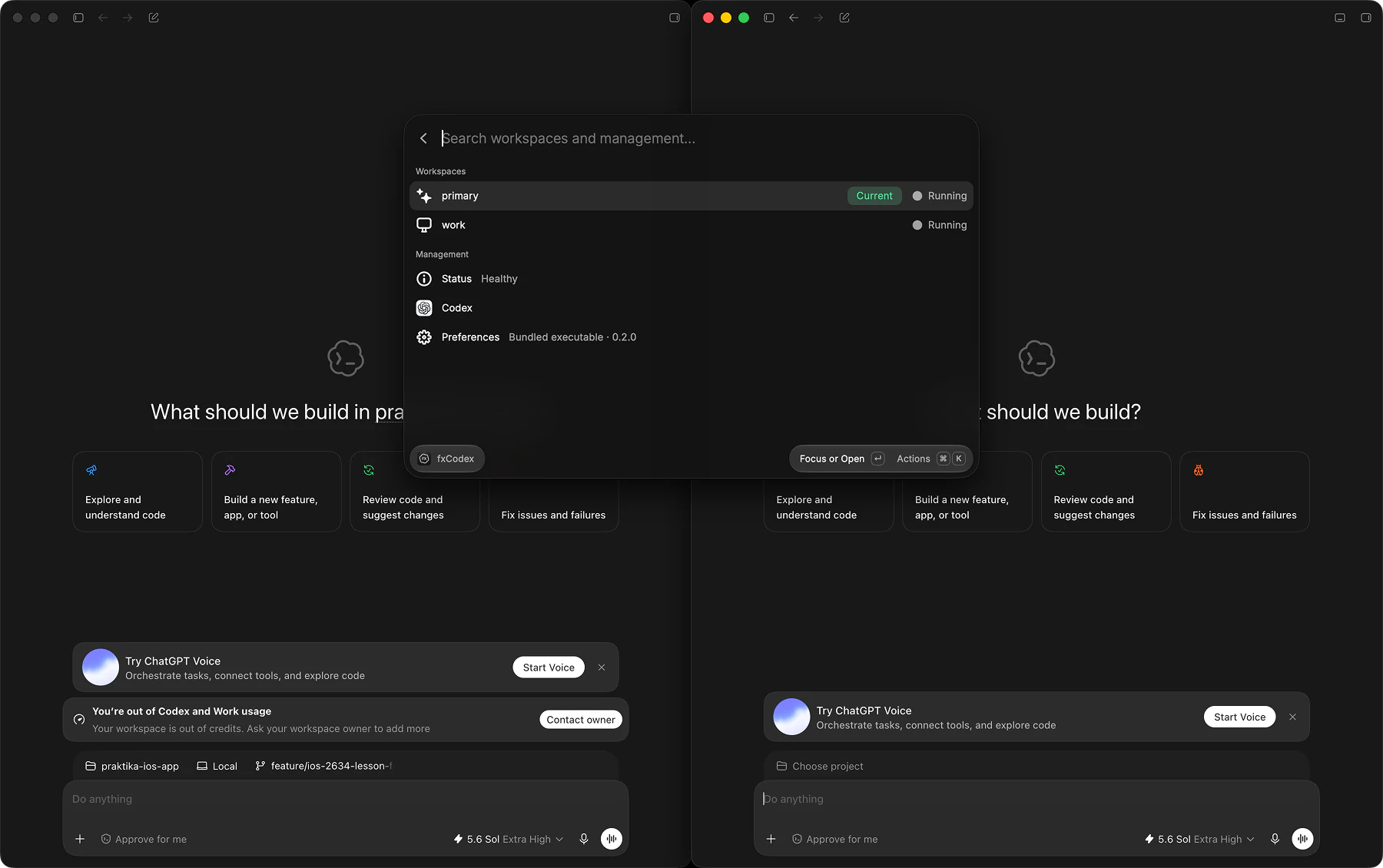
Keep personal and work sessions available without signing out or moving local state between them
Each managed workspace keeps its own Codex settings, sessions, integrations, and Electron data
fxCodex remembers each running instance and focuses it instead of launching a duplicate
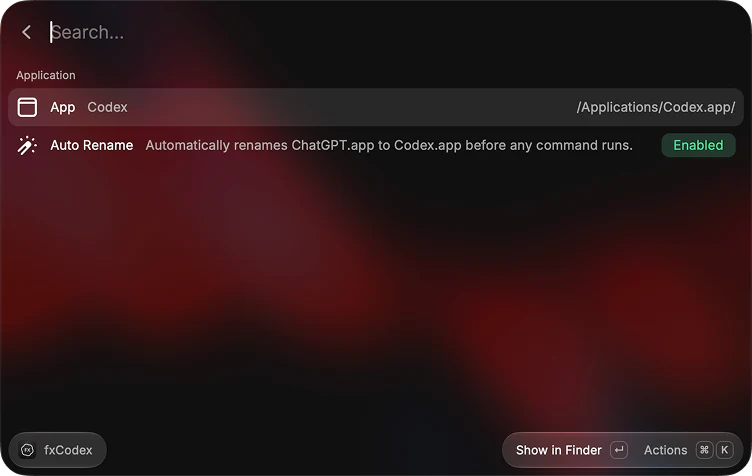
Opt in to restore the Codex name when an update installs the app as ChatGPT.app
The extension is the fastest path for everyday navigation; the CLI keeps the same workspace boundary in scripts and terminal sessions
Launch the Raycast command and choose primary to use the Codex environment already on your Mac
Press Command-N for a separate work or personal environment, then sign in once in its Codex window
Press Return whenever you need it. Running workspaces are focused; stopped workspaces are opened
Branding
Automatic renaming is opt-in. When enabled, fxCodex restores ChatGPT.app to Codex.app before subsequent commands
How it works
The built-in primary workspace uses Codex's normal directories. Each managed workspace gets separate CLI and Electron data paths. A runtime record connects it to the correct app instance
Managed app instances receive workspace-specific CODEX_HOME and CODEX_ELECTRON_USER_DATA_PATH values, plus Electron's matching --user-data-dir argument
Terminal commands point CODEX_HOME at the selected workspace, so scripts and interactive sessions use the same Codex profile
fxCodex records the process identifier, bundle URL, and launch date for each workspace. It checks those values before activating a window, which prevents duplicate launches and focus on the wrong process
Nothing switches an account inside Codex. Each app instance starts with a different local profile, and fxCodex never asks for account credentials or API keys
Honorable dependencies
fxCodex uses these libraries for terminal prompts, command parsing, dependencies, and local process control
Ready when Raycast is